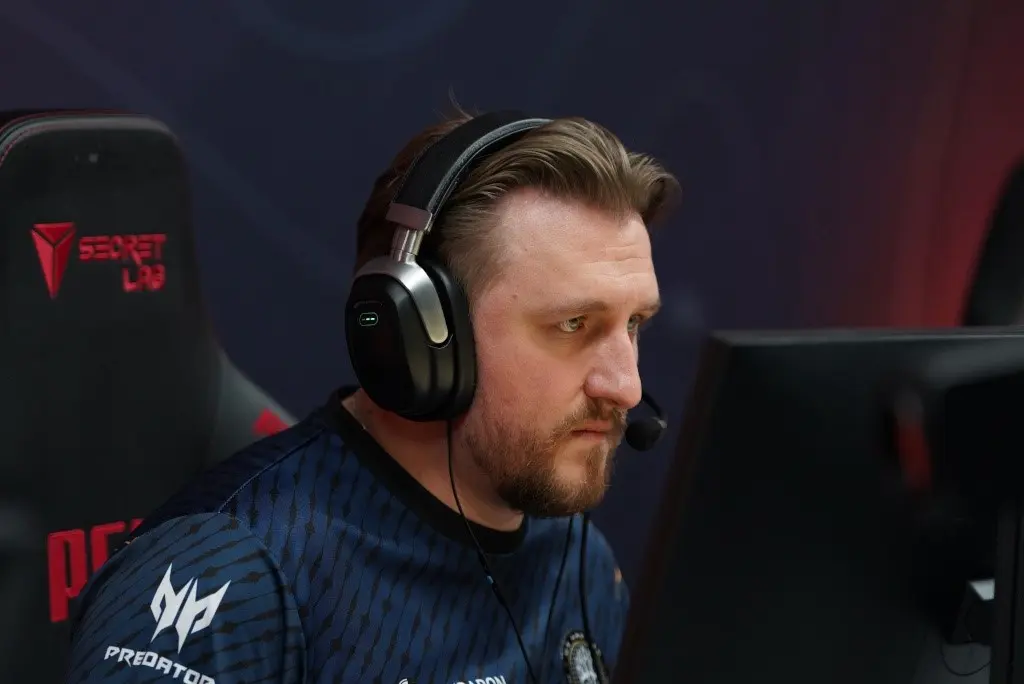
As a rifler for the elite FaZe Clan, 21-year-old Slovakian prodigy David “frozen” Čerňanský is currently causing quite a stir in the Counter-Strike 2 scene. Examining frozen CS2 settings in more detail reveals the accuracy and personalization that characterize his gameplay and set him apart in the esports scene. In order to provide fans and aspiring players with an understanding of the technical setup of a professional CS2 player, this article attempts to dissect the numerous settings and preferences that Čerňanský employs.
Mouse Settings
The peripherals that Frozen chooses to use are essential to his performance. He makes use of the well-known for its accuracy and ergonomic design Razer Deathadder V3 Pro Black. His preferences are just right:
- DPI: 400
- Sensitivity: 1.7
- eDPI: 680
- Zoom Sensitivity: 0.8
- Hz: 4000
- Windows Sensitivity: 6
These settings ensure high accuracy and smooth movement, crucial for fast-paced gaming scenarios.
Crosshair Settings
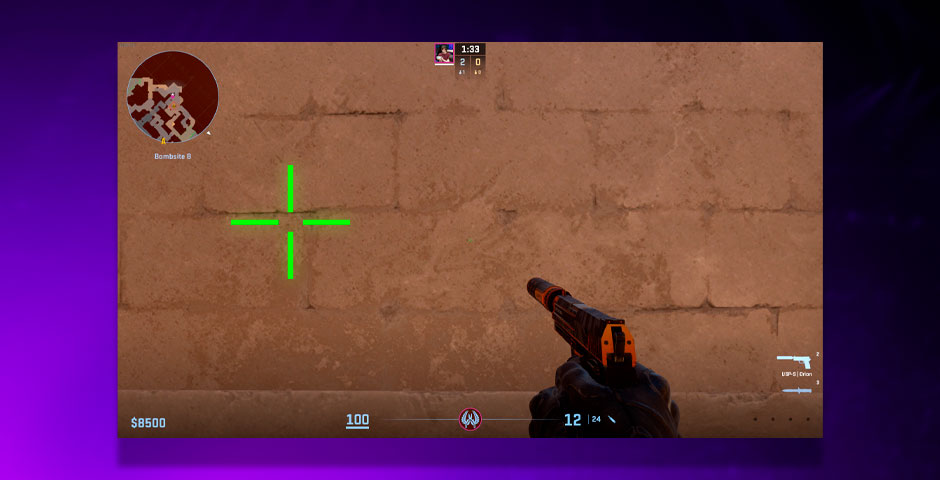
Frozen’s crosshair settings are tailored to provide clarity and precision targeting:
- Code: CSGO-CVN3f-b4o5k-5m9LT-45v9z-ZO88F
- Style: Classic Static
- Dot: No
- Follow Recoil: No
- Length: 4
- Thickness: 0
- Gap: -2
- Outline: No
- Color: Green
- Alpha Value: 255
These settings contribute to a clear view and sharp aiming capabilities during intense matches.
Video Settings
Basic Video Settings
Frozen uses a NVIDIA GeForce RTX 2080 Ti, ensuring his gameplay is visually smooth and detailed with the following settings:
- Color Mode: Computer Monitor
- Brightness: 100%
- Display Mode: Fullscreen
- Resolution: 1024×768
- Aspect Ratio: 4:3
- Scaling Mode: Black Bars
Advanced Video Settings
To optimize his visual clarity and reaction times, frozen adjusts his video settings further:
- Boost Player Contrast: Enabled
- Wait for Vertical Sync: Disabled
- Multisampling Anti-Aliasing Mode: 4x MSAA
- Global Shadow Quality: High
- Model / Texture Detail: Medium
- Shader Detail: Low
Viewmodel
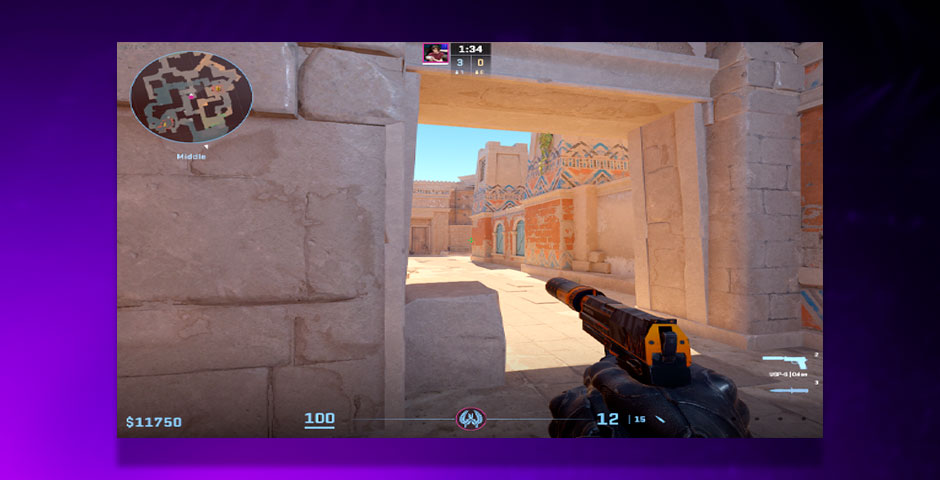
Frozen’s viewmodel settings are customized for optimal visibility:
- FOV: 68
- Offset X: 2.5
- Offset Y: 0
- Offset Z: -1.5
- Presetpos: 3
- Bob: False
These settings help maintain a clear and unobstructed view of the battlefield.
Monitor Settings
Using the ZOWIE XL2566K, frozen adjusts his monitor settings to suit his visual preferences:
- Picture Mode: FPS 1
- Brightness: 60
- Contrast: 50
- Sharpness: 7
Launch Options
Frozen utilizes specific launch options to maximize game performance:
- freq 360 +rate 786432 +fps_max 500 -tickrate 128
HUD Settings
He prefers a minimalistic HUD for less distraction:
- HUD Scale: 0.95
- HUD Color: White
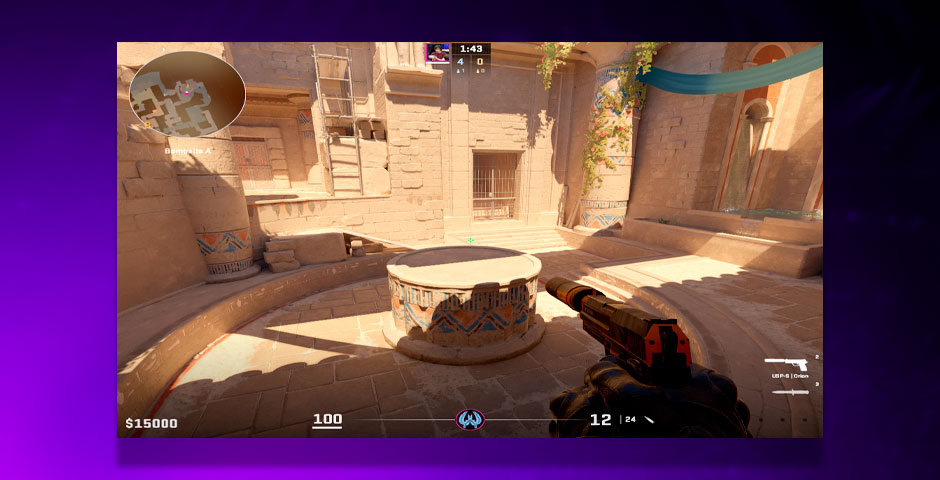
Radar Settings
To keep track of enemies and teammates efficiently, frozen configures his radar settings precisely:
- Radar Centers The Player: Yes
- Radar is Rotating: Yes
Gear
Frozen uses top-tier gaming gear for optimum performance:
- Monitor: ZOWIE XL2566K
- Mouse: Razer DeathAdder V3 Pro White
PC Specifications
Frozen’s PC setup is built for high performance, crucial for the demands of professional gaming:
- Processor: Intel Core i9-9900K
- Graphics Card: NVIDIA GeForce RTX 2080 Ti
Mastering Performance with Frozen CS2 Settings
This in-depth guide to David “frozen” Čerňanský’s customized CS2 setups offers players looking to improve their setups practical insights as well as an in-depth examination of the tools and adjustments that help him succeed in competitive gaming. Through dissecting the exact setups and frozen CS2 settings that Čerňanský utilizes, players can learn more about the ways in which hardware and software settings work together to improve gameplay. These specifics are essential for anyone trying to maximize their Counter-Strike 2 performance, proving that technical skill and personalization are frequently the keys to success.