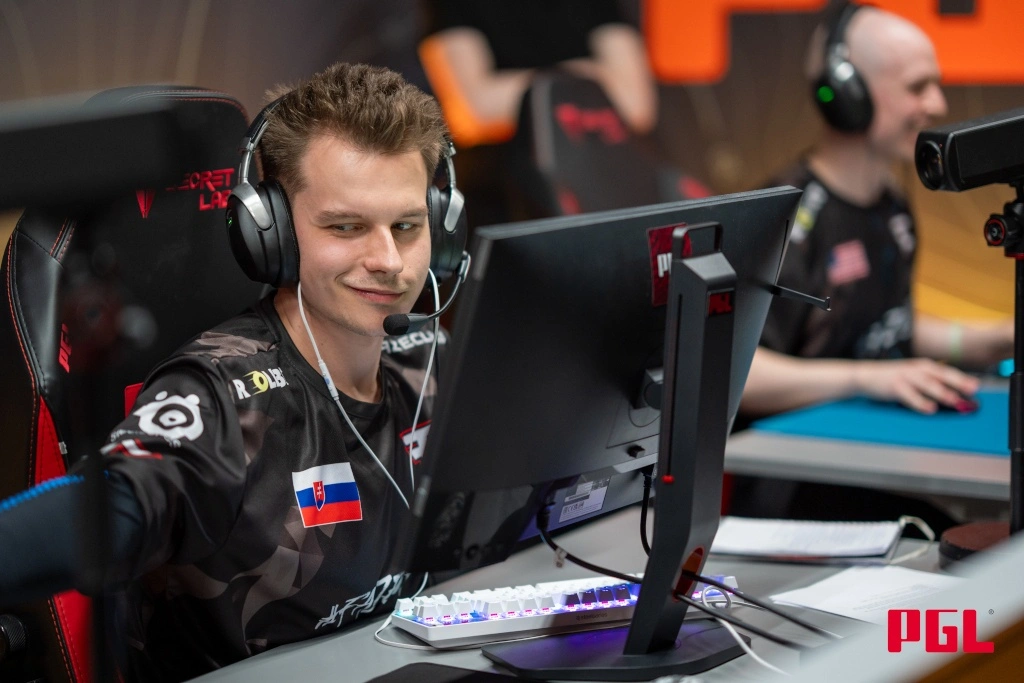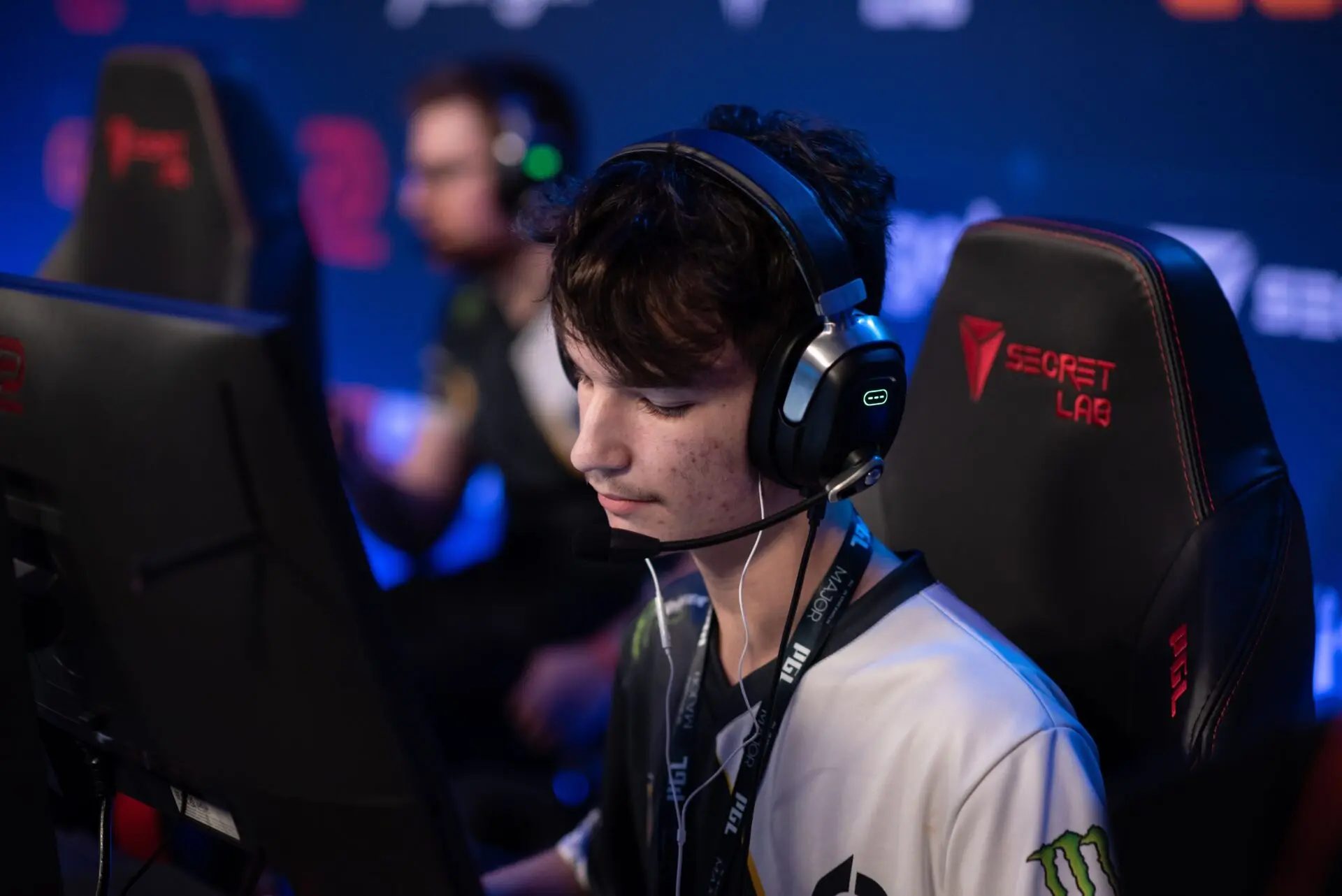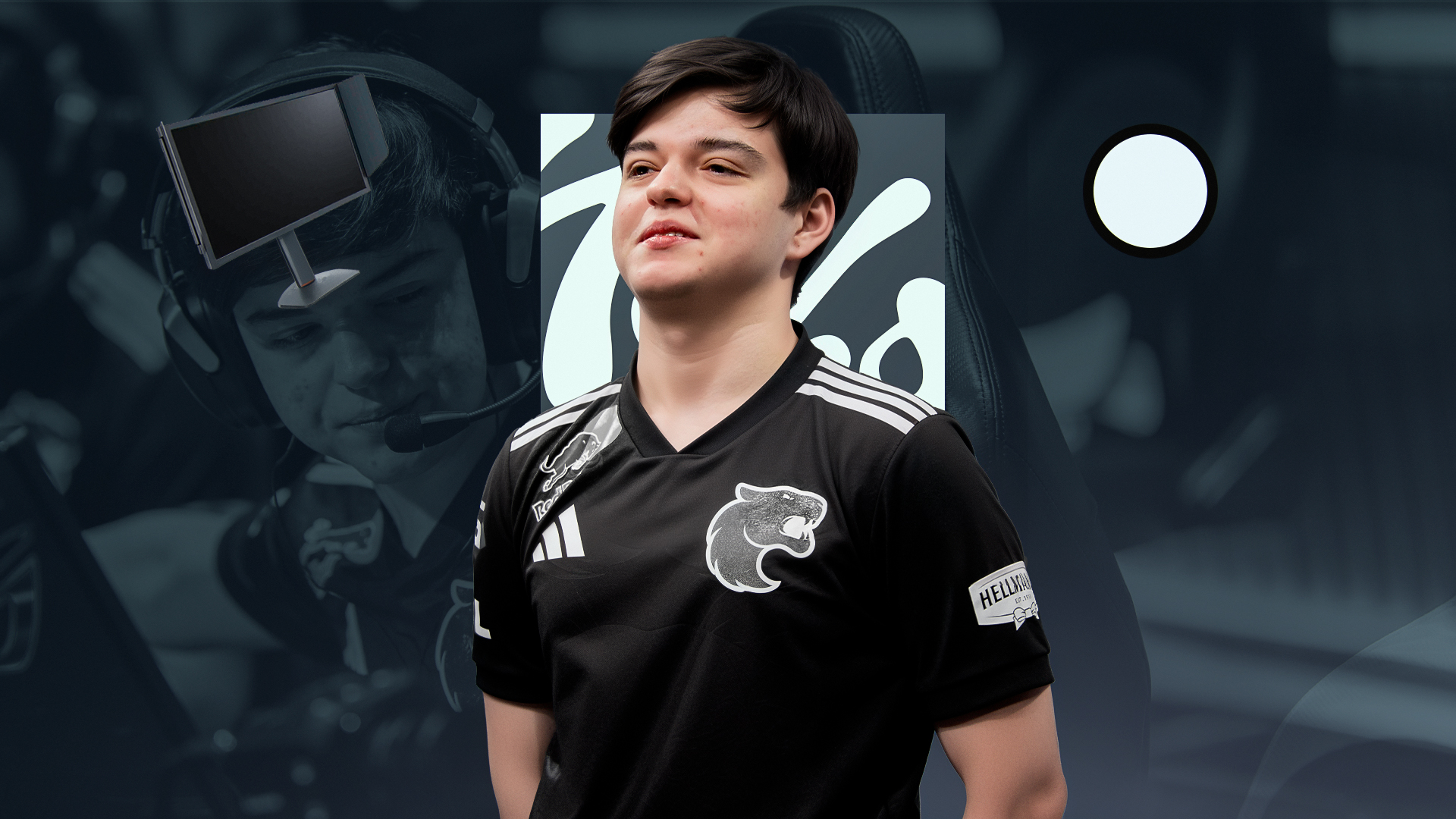
In just one year, Danil “molodoy” Golubenko has transformed from a promising rookie into one of the best AWPers in Counter-Strike 2. His run at IEM Chengdu 2025 was especially impressive, where he didn’t just win the trophy but also walked away with the MVP medal. He followed that up with solid performances at the BLAST Rivals Fall Finals, demonstrating his ability to deliver reliable results. Watching him play, it’s clear he has a level of comfort that most pros spend years trying to find. We’ve gathered molodoy’s current CS2 settings below to show exactly how he tunes his game for the world stage.
molodoy’s CS2 Settings Breakdown
Crosshair Settings

molodoy’s crosshair is very small and light, which is mainly suitable only for players who have a pro level.
- Crosshair Code: CSGO-QVJA3-eFyR4-wjv9e-x3tNO-DqmHB
- Crosshair Style: Classic Static
- Follow Recoil: No
- Color: Custom
- Red: 250
- Green: 250
- Blue: 250
- Dot: Yes
- Length: 0
- Thickness: 0
- Gap: -3
- Outline: Yes
- Outlinethickness: 1
- Alpha Value: 255
- Sniper Width: 1
Discover optimal CS2 crosshair codes for any player & settings used by pros for precision aiming in 2026. Make more headshots with expert configurations.
Mouse Settings
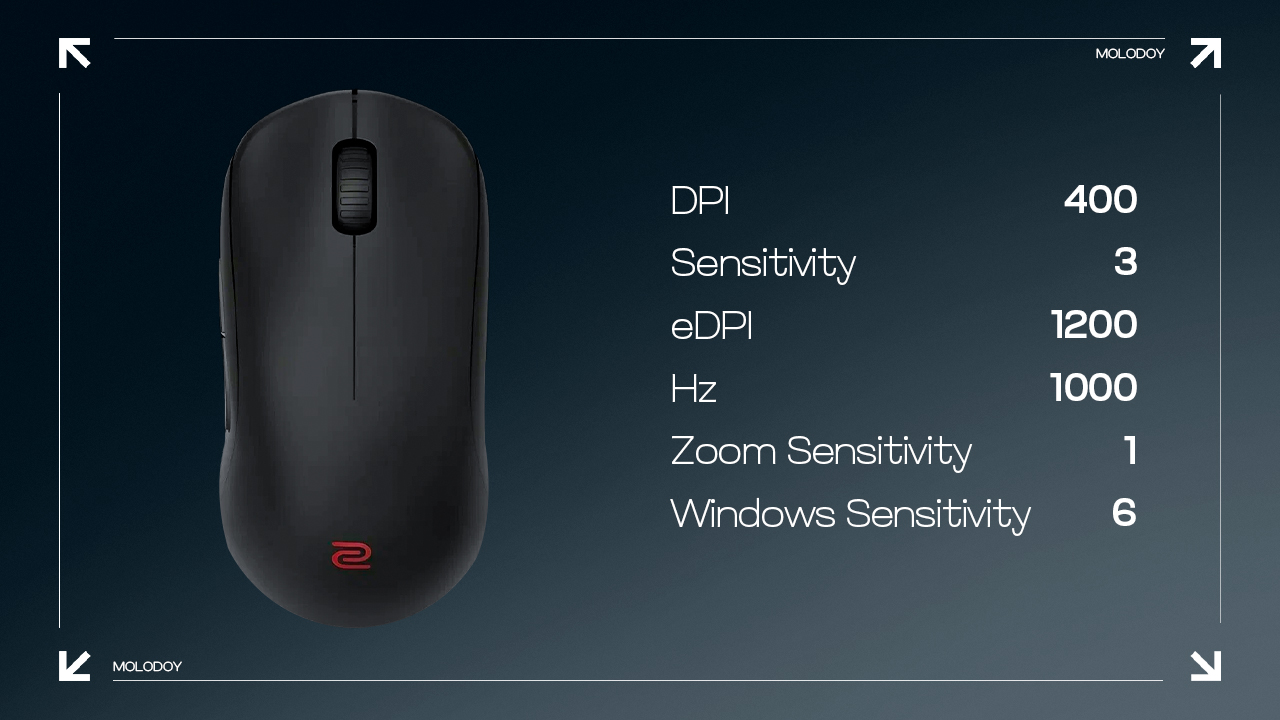
molodoy’s mouse settings allow him to move and turn very quickly, but this makes it quite difficult to play with an AWP, as every mouse movement must be controlled.
- DPI: 400
- Sensitivity: 3
- eDPI: 1200
- Hz: 1000
- Zoom Sensitivity: 1
- Windows Sensitivity: 6
Viewmodel Settings
molodoy’s viewmodel is quite basic, giving him a better look at the environment.
- Viewmodel FOV: 68
- Viewmodel Offset X: 2.5
- Viewmodel Offset Y: 0
- Viewmodel Offset Z: -1.5
- Viewmodel Presetpos: 1
Master CS2 FOV and viewmodel commands with our comprehensive guide. Optimize your field of view and in-game perspective for improved gameplay.
Video Settings
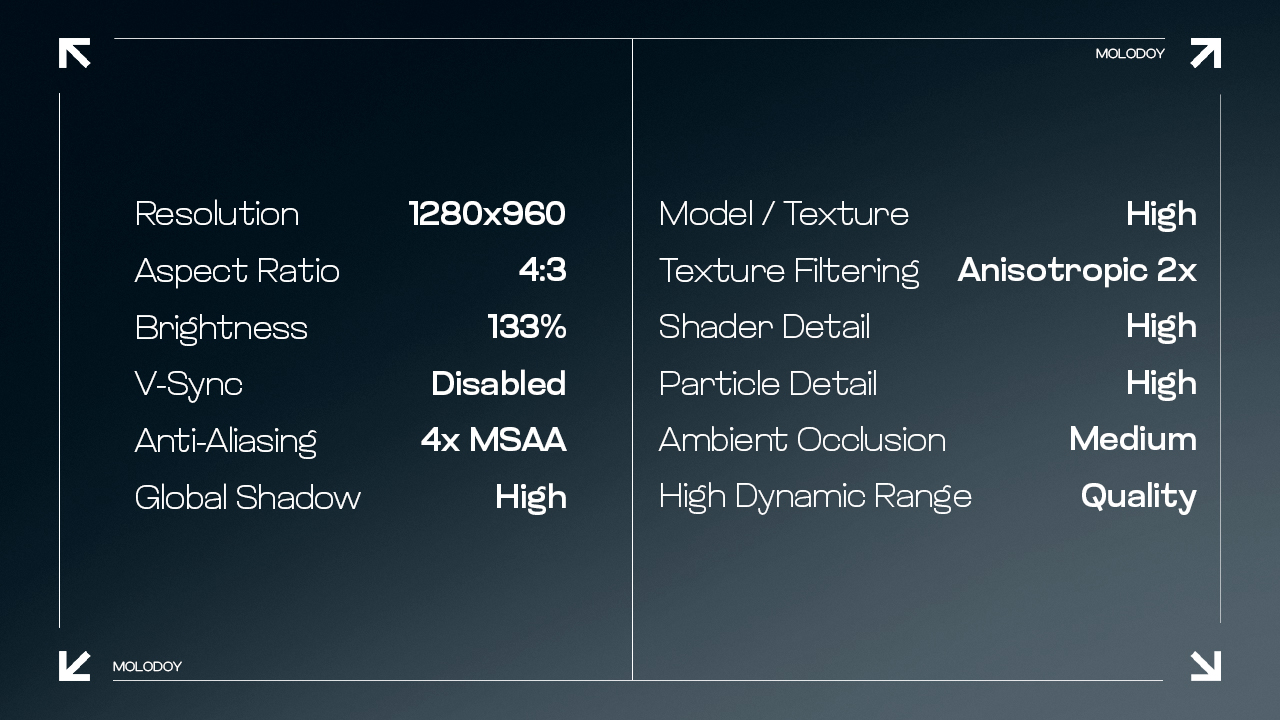
As for video settings, molodoy uses a resolution and graphics config that helps enemies stand out clearly against the various map backgrounds.
- Resolution: 1280×960
- Aspect Ratio: 4:3
- Scaling Mode: Stretched
- Brightness: 133%
- Display Mode: Fullscreen
- Boost Player Contrast: Enabled
- V-Sync: Disabled
- NVIDIA Reflex Low Latency: Disabled
- Multisampling Anti-Aliasing Mode: 4x MSAA
- Global Shadow Quality: High
- Dynamic Shadows: All
- Model / Texture Detail: High
- Texture Filtering Mode: Anisotropic 2x
- Shader Detail: High
- Particle Detail: High
- Ambient Occlusion: Medium
- High Dynamic Range: Quality
- FidelityFX Super Resolution: Disabled (Highest Quality)
Find out the preferred resolution of CS2 pros! Learn which settings give you the competitive edge in this expert guide to the best resolution choices in CS2.
Monitor Settings
molodoy’s monitor is tuned for the highest possible speed to ensure he sees every frame the moment it happens on screen. Overall, the ZOWIE model is widely used among pro gamers.
- Monitor: ZOWIE XL2586X+
- DyAc: Premium
- Black eQualizer: 10
- Color Vibrance: 20
- Brightness: 80
- Contrast: 17
- Sharpness: 5
- Color Temperature: Normal
- Gamma: Gamma 2
Inside molodoy’s CS2 Config
We have now finished going through the current molodoy CS2 settings, covering everything from his specific resolution to his mouse configuration. While it is always exciting to see how one of the game’s top players tunes their setup, it is important to remember that these preferences are highly individual. What feels perfectly smooth for a professional might feel completely unnatural or even uncomfortable for you. We definitely recommend using this config as a useful starting point, but don’t be afraid to tweak them to fit your own style. Just keep in mind that copying a config won’t turn you into a pro player overnight. Real improvement comes from practice and comfort!